NFC & QR
QR code vs NFC: which is faster, and why we print both
QR needs a look and some aiming. NFC is touching the edge of the phone to the stand. The seconds look small — at a busy checkout they add up.
By NFCStand Editoryal Ekibi · Updated · 3 min read
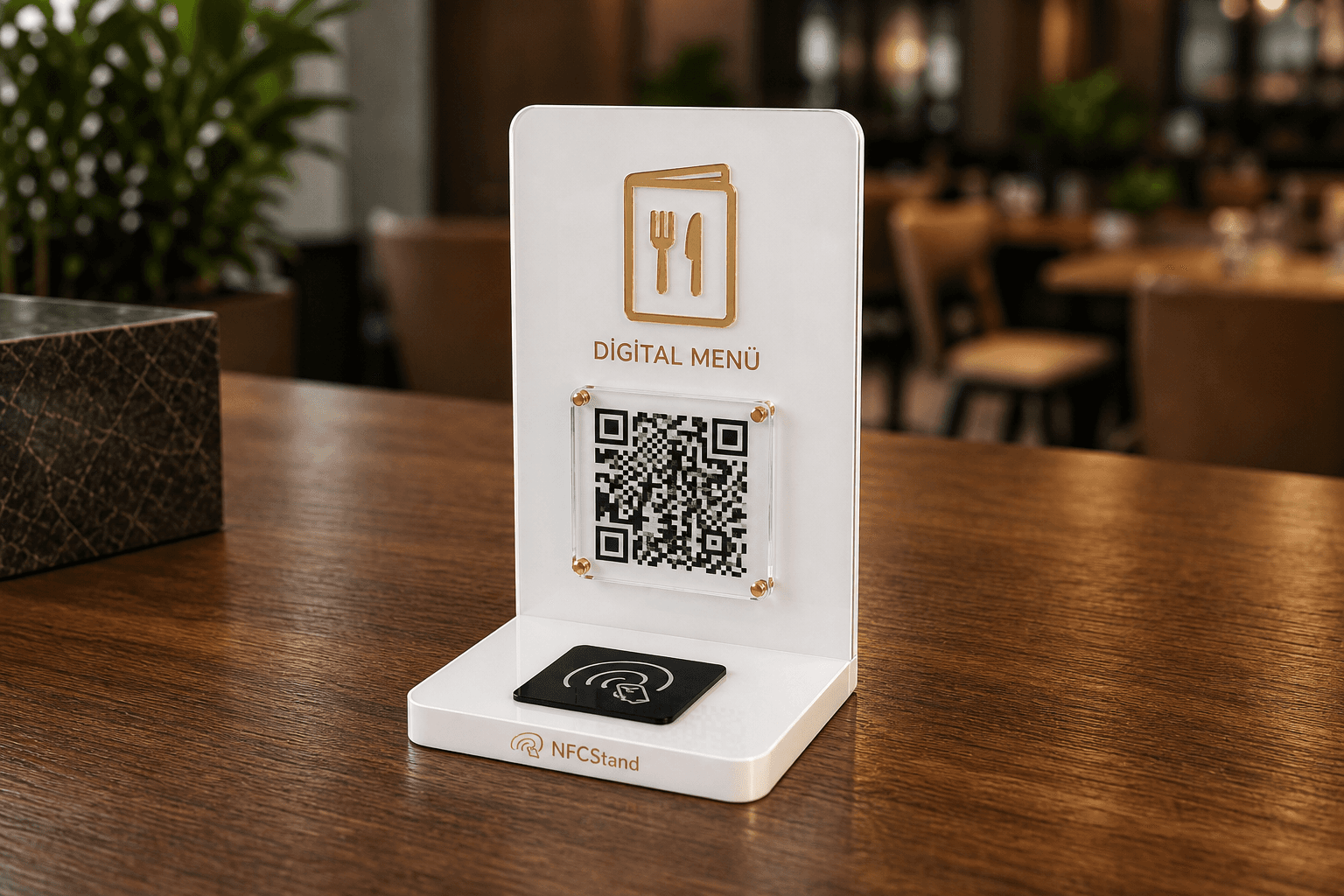
The QR code has been the language of menus since the late 2010s. People know the camera: they centre the square and wait. A little shaking, a little glare, and sometimes the question “which app do I use?”. NFC comes from the contactless card in your wallet: you hold the phone out and the screen asks you something on its own.
Tourists and older customers are comfortable with QR; the square is familiar. Someone who pays contactless three times a day already uses NFC at the checkout. Dropping one as “old” and forcing the other as “new” means cutting your audience by age group.
QR can be enough for a menu; for reviews, seconds matter
At an empty table, people will play with the camera to open a menu. After the bill is paid and the jacket is on, nobody plays that game. If the Google form takes three extra seconds, the review is not written. That is why we always put a chip in a review stand; on a menu stand, QR can lead and NFC can be optional.
- Digital menu only: a QR menu stand is enough for most cafés.
- Google rating only: a classic review stand with NFC + QR.
- Menu and reviews on the table: a two-sided or two-section model — do not squeeze both into one spot.
Side by side: QR and NFC
- Steps — QR: open the camera, aim, tap the link. NFC: hold the phone close, tap the notification.
- Light and distance — QR: dim light, glare and distance make scanning harder. NFC: not affected by light, needs a few centimetres of proximity.
- Phone support — QR: almost any phone with a camera. NFC: iPhone XS/XR and later, and Android phones with NFC turned on.
- Updates — static QR: reprinted if the destination changes. NFC: the chip is rewritten.
- Cost — both are one-time production; neither needs a monthly fee.
Watch out for dynamic QR subscriptions
Some services tie the QR code to their own redirect address and charge a monthly fee; when the subscription ends, the code may stop opening. The QR codes and NFC chips on our stands carry your own link directly — there is no redirect service and no monthly fee in between.
It is not about choosing a technology; it is about leaving nobody at the door. The second door is the QR code.
Frequently asked questions
NFC usually needs fewer steps: tapping the phone is quicker than aiming the camera. QR still matters as a backup for phones with NFC turned off and for customers who prefer the camera.
A static QR code does not expire; it works as long as the link address is online. Expiry is an issue with dynamic QR codes that depend on a redirect subscription.
Yes. The QR code on the stand opens the same destination. NFC-only products such as the Google Review NFC Card have no QR backup.
Related products
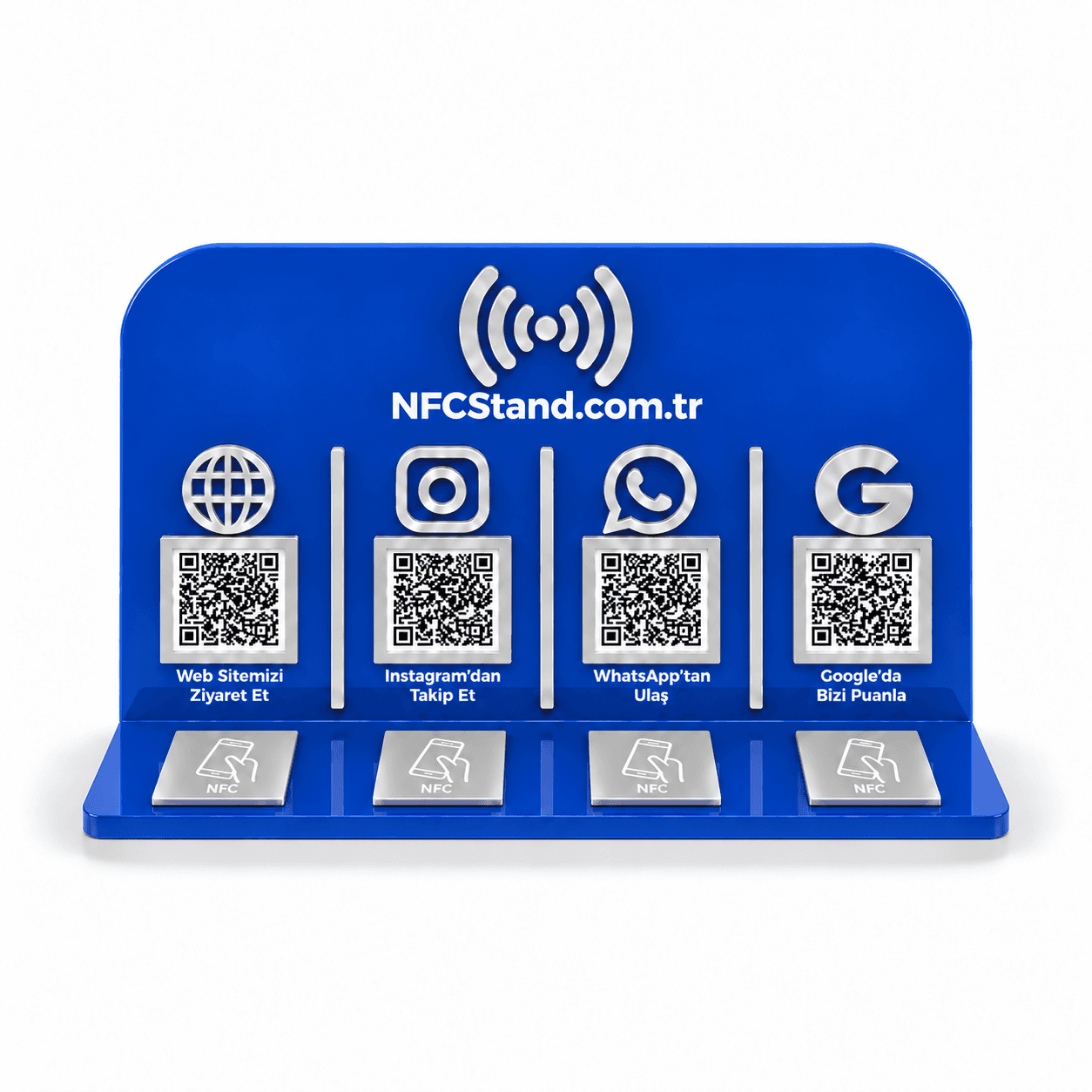
Quattro Acrylic NFC Stand
Google reviews, Instagram, WhatsApp and your menu on one stand. Four NFC chips and four QR codes for the table or the checkout.
TRY 2,749
View productQR NFC Menu Stand
A hygienic digital menu stand. The QR code is standard, NFC is optional. Discount for multiple tables.
Price on request
View productRelated guides
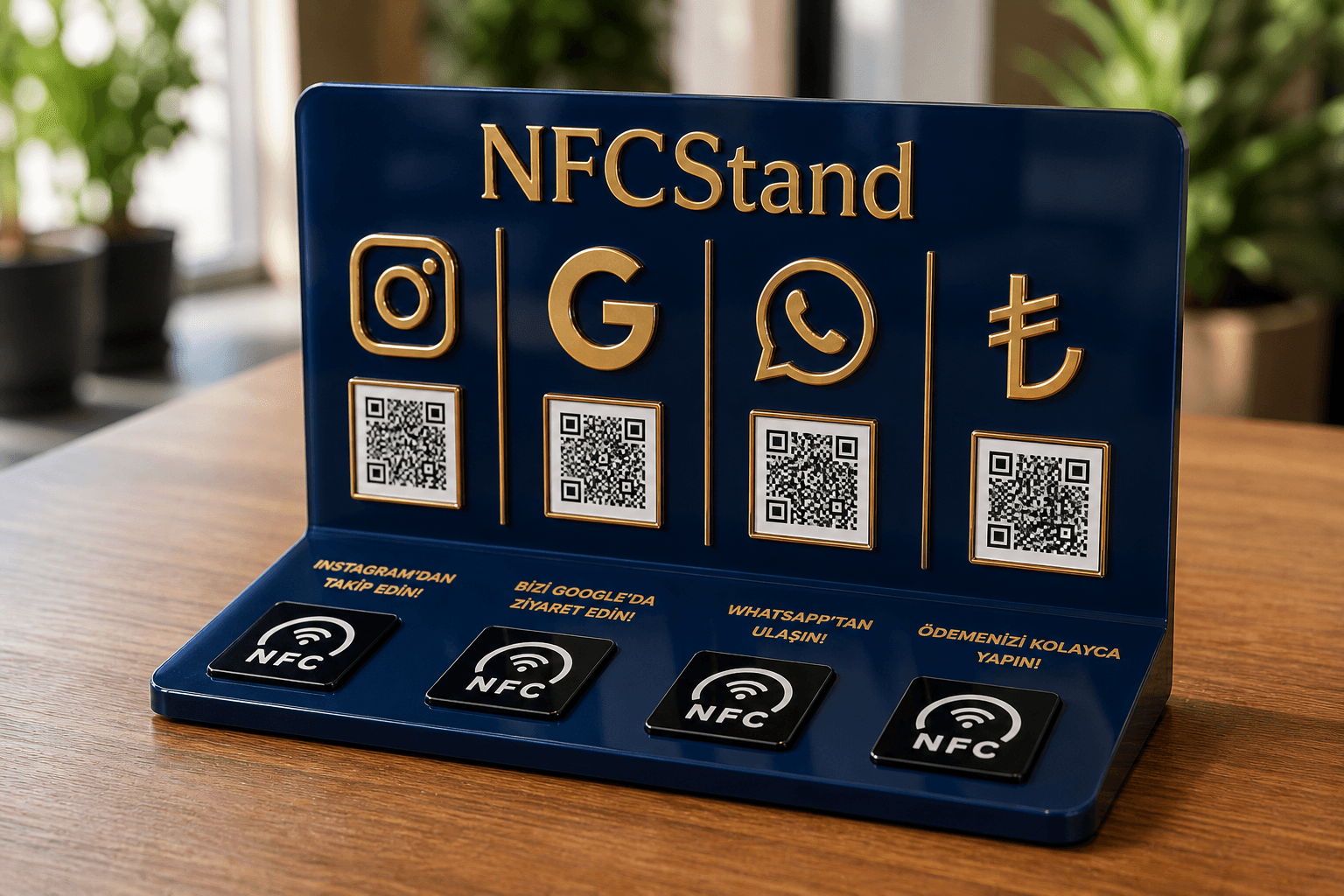
NFC & QR
13 August 2026 · 2 min read
What is NFC, how does it open on a phone, and what does the chip inside the stand do
NFC comes from the same family as the contactless card in your wallet. The chip inside the stand carries nothing more than a web address — it never makes a customer install an app.
Read the guide →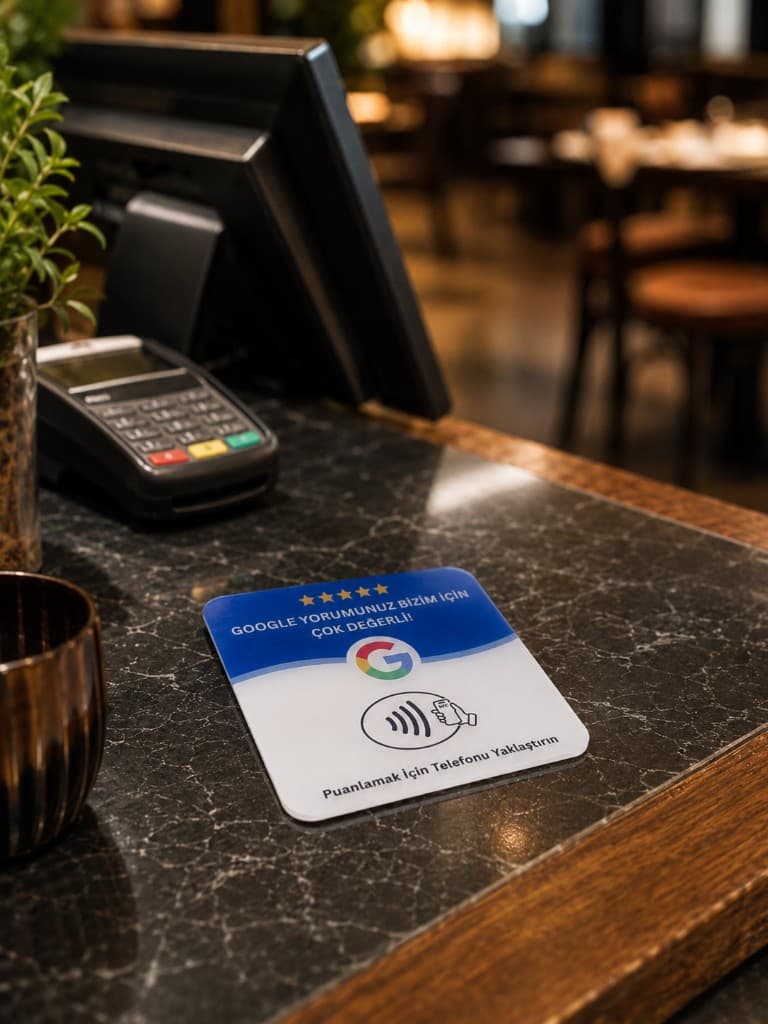
Google reviews
24 September 2026 · 3 min read
How to create a Google review QR code: step by step, free
A Google review QR code is simply your review link turned into a square. The link is free and the QR code is free; the real work is choosing the right link and printing a code that scans.
Read the guide →