NFC & QR
NFC card not reading: possible causes and a step-by-step fix
When a card does not read, the cause is usually the phone: NFC off, a locked screen or a thick case. Here is what to check, in order, to tell phone issues from chip issues.
By NFCStand Editoryal Ekibi · Updated · 2 min read
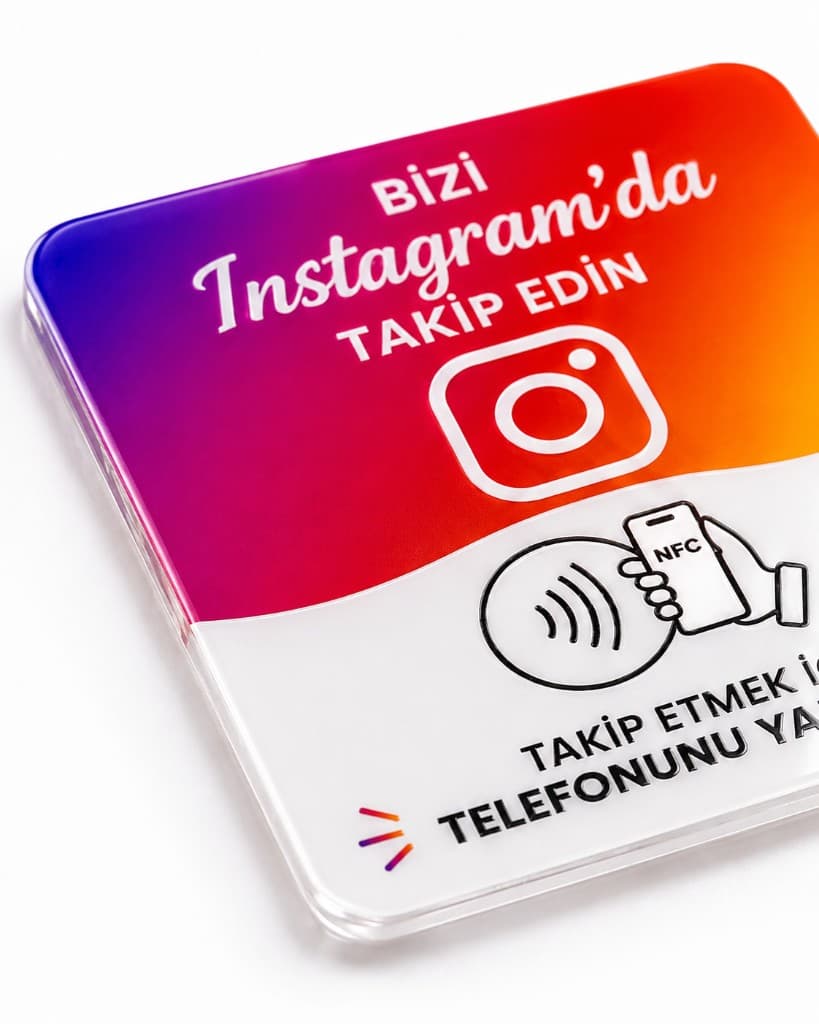
If an NFC card does not read, check the phone first: is NFC turned on (Android), is it an iPhone XS/XR or newer, is the screen on, and is the case thick or metal? If the card opens the right page on another phone, the chip is fine. If it does not read on any phone, the chip may be empty, wrongly written or damaged.
1. The phone
- Android: search for “NFC” in Settings and make sure it is on. The menu name varies by manufacturer.
- iPhone: background reading without an app is available on iPhone XS, XR and later, with the screen on. Older models use the QR code.
- Case: thick, metal or magnetic cases weaken reading; try without the case.
- Position: on iPhone, hold the top edge of the phone near the card; on Android, usually the middle of the back. Hold it for a second or two.
2. It reads, but the page does not open
- If a notification appears but the page does not load, the problem is the internet connection: reading NFC needs no internet, but the page it opens does.
- If a different page opens than expected (for example a map), the wrong link was written onto the chip.
- If the page says “not found”, the link is broken: an Instagram username or web address may have changed.
3. The chip
- If no phone reacts at all, the chip may be empty or damaged.
- If the card is broken, bent or has taken a hard knock, the antenna may be cut.
- An NFC reader app shows what is on the chip; if it appears empty, it needs to be rewritten.
What to tell customers at the counter
“Hold the top of your phone near the card, with the screen on” solves most cases. Keeping a printed QR code or a stand with a QR code at the checkout means customers with NFC turned off are not turned away.
Frequently asked questions
Usually not. If the card opens the right page on one phone, the chip is fine; check the NFC setting, model support or case on the phone that does not read it.
If the chip is not locked and there is no physical damage, it can be rewritten. For NFCStand cards with a wrong entry or a changed link, contact us.