Google reviews
How Does a Google Review Card Work? NFC Usage Guide
The Google Review NFC card opens your official review link — stored on an NTAG213 chip — through the phone's NFC notification. No QR code, no app to install.
· by NFCStand Editoryal Ekibi · 14 min read
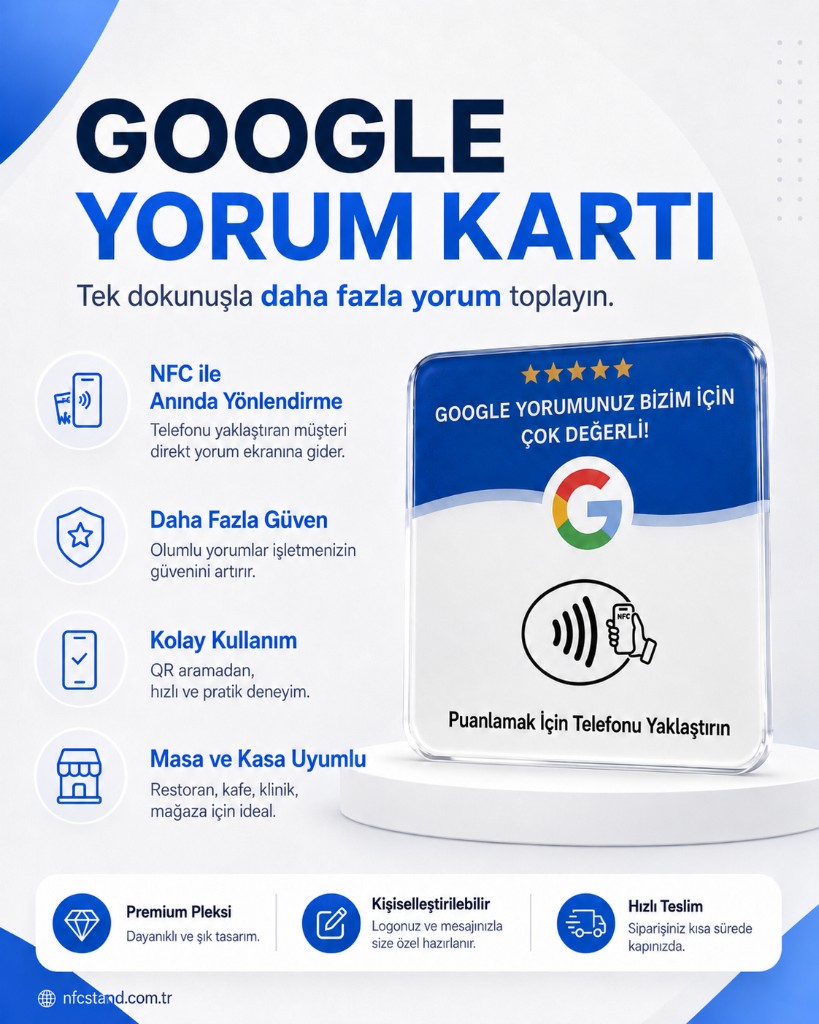
A Google review NFC card is an 80 × 80 mm PVC card placed at a checkout counter or reception desk. Your business's official Google “request a review” link is written onto the NTAG213 chip beneath the epoxy coating. When a customer taps their phone to the NFC area, a system notification appears; tapping that notification opens the review form in the browser. The card carries no QR code, and it never nudges anyone toward a specific star rating — it only makes the form easier to reach.
How does an NFC Google review card work?
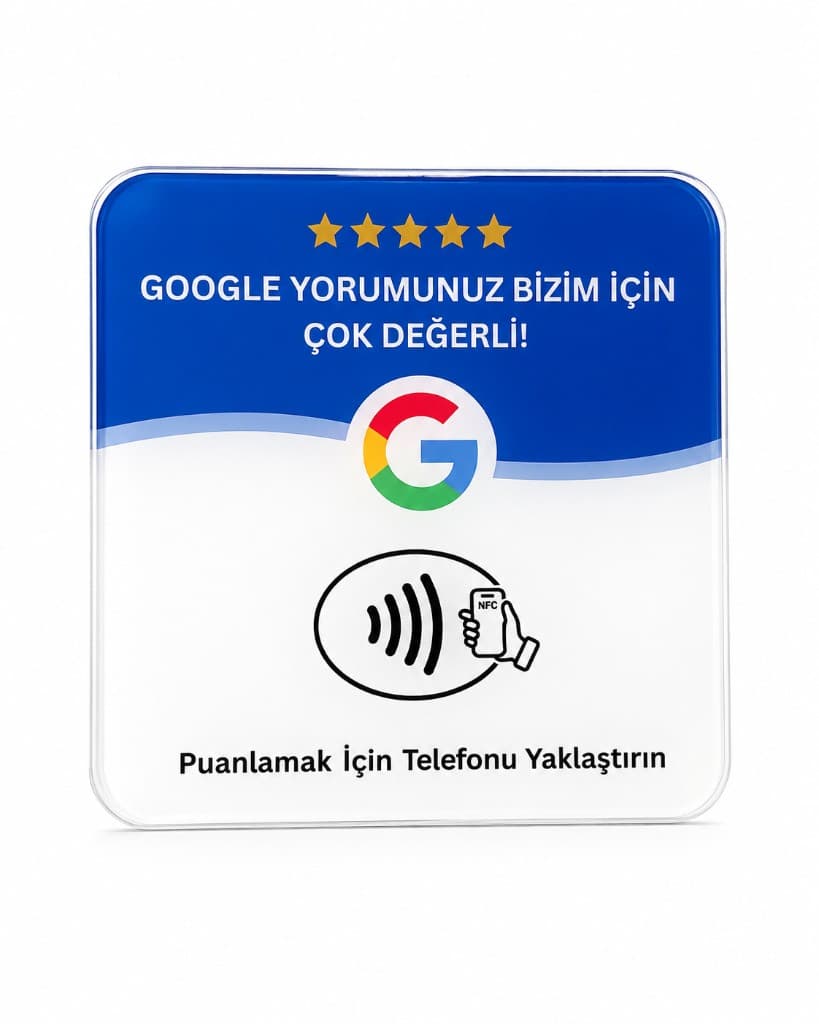
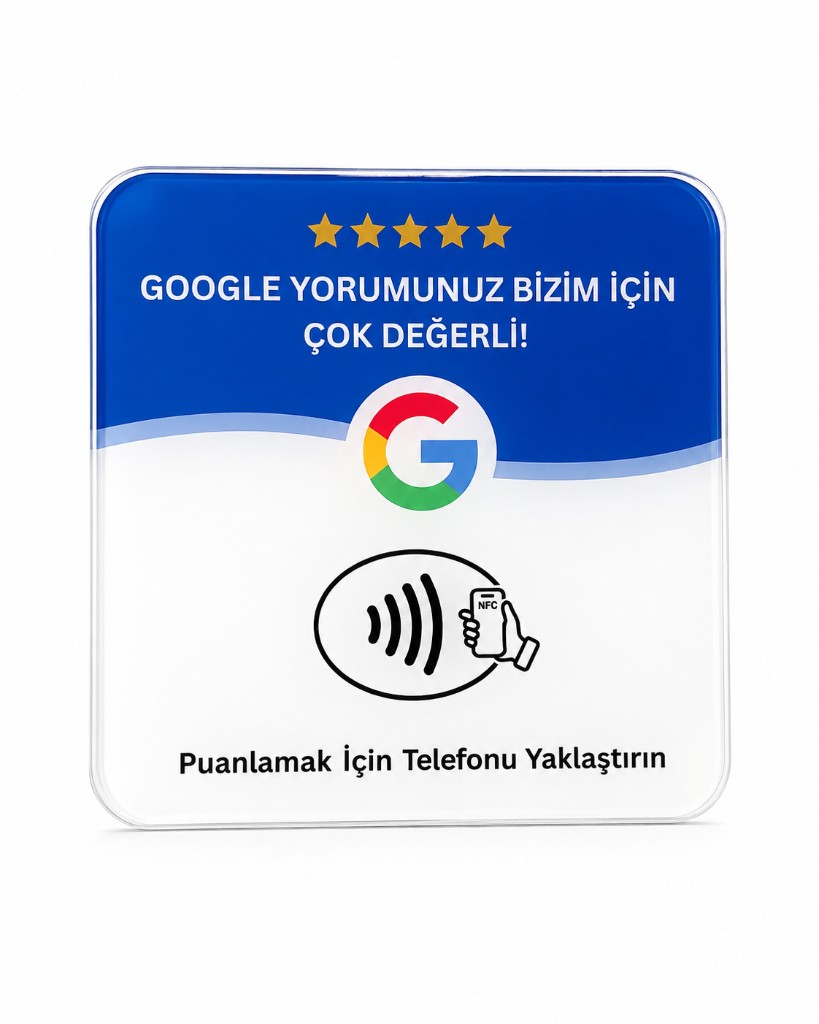
The card face carries a ready-made blue-and-white Google template — we don't add a logo or custom artwork. Your order needs the correct review link: a map pin, a search result, or your profile's home page won't do the same job. The link is written to the chip and tested before it ships. Nothing needs to be installed on the customer's side — a supported phone opens the link through its own NFC notification.
Who is it a good fit for?
- Cafés and small restaurant counters — a narrow counter where a single Google channel is enough.
- Barbershops, hair salons, and beauty salons — right at checkout, moments after the client likes the result.
- Clinic and dental reception desks — a simple link to your general business profile.
- Boutiques, jewelers, and retail counters — a compact alternative when there's no room for a full acrylic stand.
Where should it sit at the counter?
The right side of the receipt printer, next to the POS terminal, or wherever a customer's hand naturally lands are all good spots. The card can lie flat or sit at a slight angle — what matters is that it's visible the moment staff ask, “Would you like to share your experience?” A card left in a drawer does nothing; it needs to sit in plain sight at the counter.
Why does the review link matter so much?
The wrong link leaves a customer wandering around a map or dropped into a search box — and no review gets written. The right link is the short review URL that, opened in a private window, takes you straight to the star-rating screen. You get it from your Google Business Profile's “Ask for reviews” or share tool. If the link isn't ready yet, we don't send the card to production — we verify it together first.
Pricing and the two-card bundle
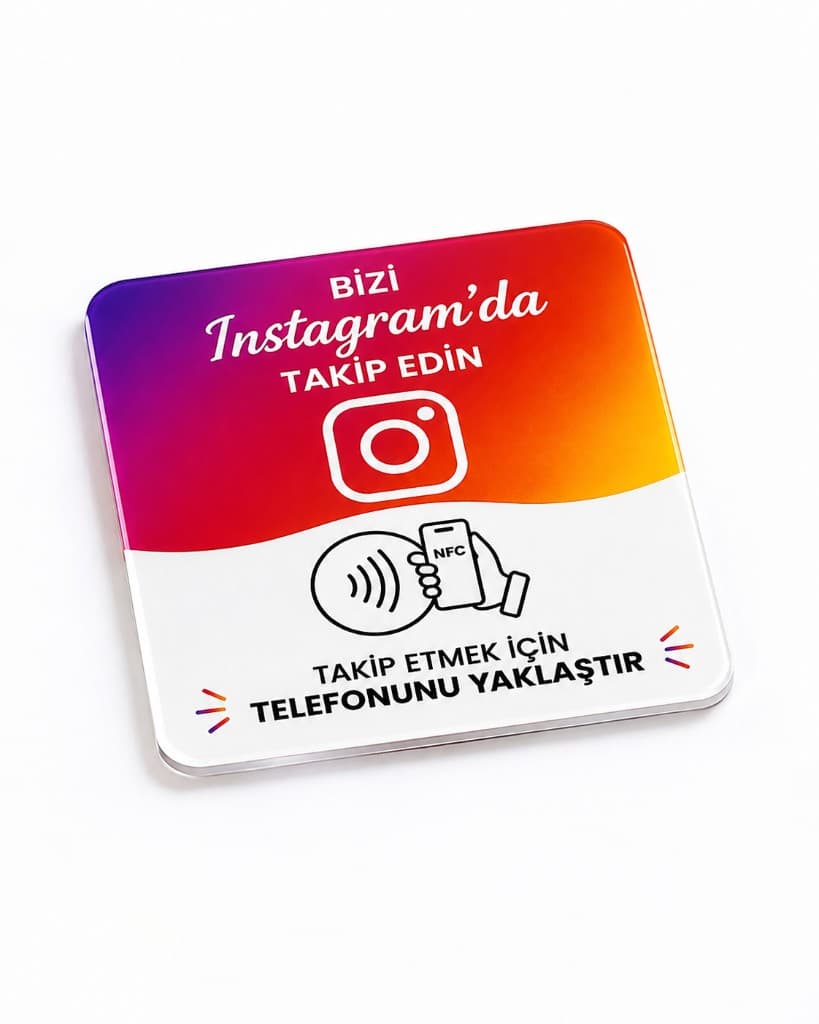
This guide covers how the card works. Current retail pricing and stock status are shown on the product page. For orders of 10 or more Google or Instagram cards, rather than a fixed pricing tier, we put together a written quote based on quantity, number of links, and delivery timeline.
Frequently asked questions
Both open the same review link. The card is 80 × 80 mm and fits right next to a till or POS terminal; the acrylic stand offers a larger, more visible display. On a narrow counter, the card is the better fit.
No. This model has a single NTAG213 NFC chip and no QR code. If NFC is turned off, the phone's setting needs to be switched on first.
No. The card only opens the Google review form. Staff should invite feedback neutrally — offering incentives, discounts, or asking for a specific rating violates Google's policies.
One tap is enough on iPhone XS and later, and on Android phones with NFC turned on. The link is tested before your card ships.